
Home / Solutions / Printing & stationery
Printing & stationeryProofs approved, jobs filed, sign-off in writing
Share design proofs for approval, keep customer job files and price lists organised, capture vendor bills, and review a separately signed copy before you print — all in one secure workspace. Review which copy the client agreed before printing.
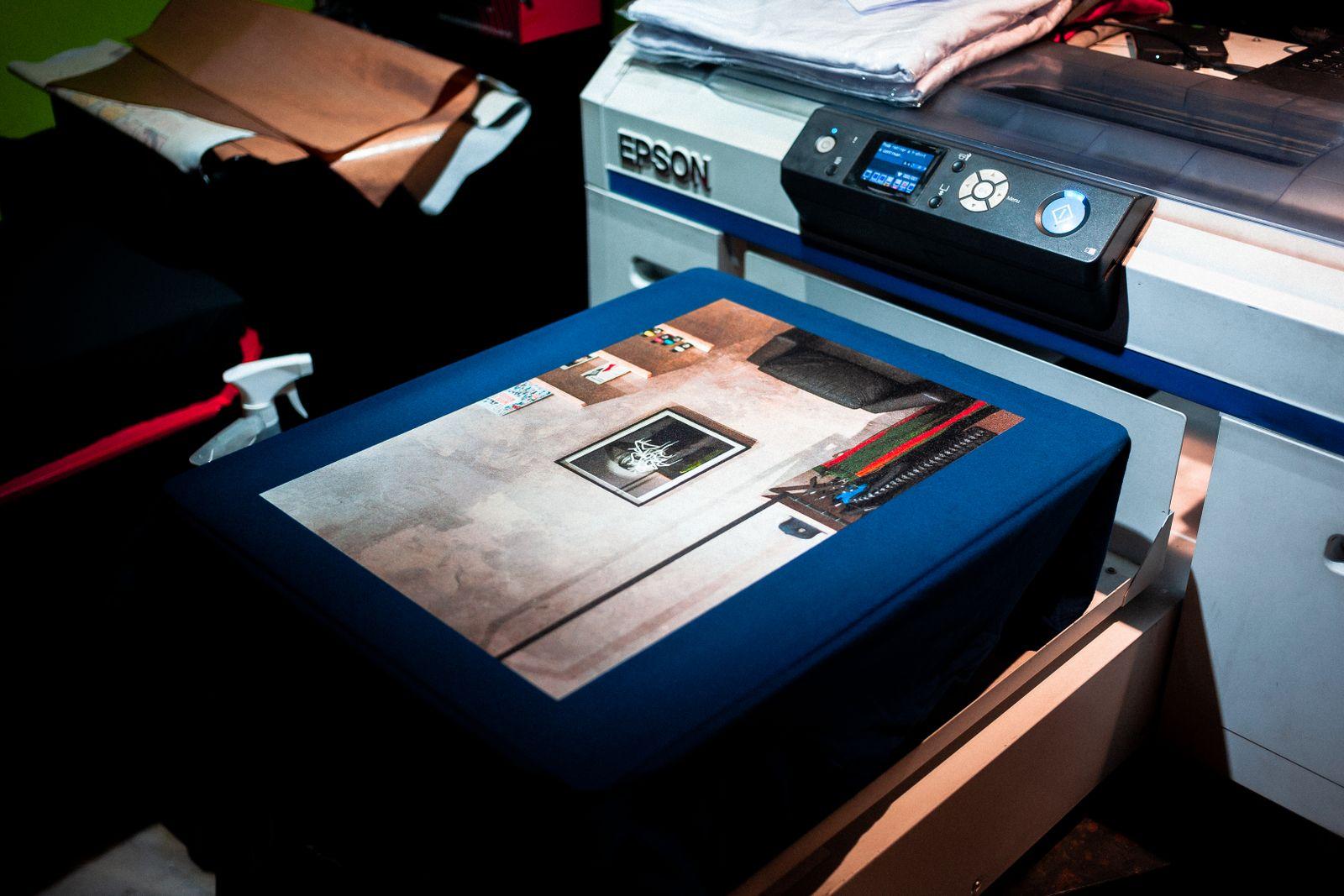
One wrong proof, a whole reprint
A print shop juggles design proofs going back and forth on WhatsApp, customer files for dozens of live jobs, and a price list for every product. When a customer says "I never approved that," there's no written sign-off — and you eat the cost of the reprint.
Proof versions confused
Three rounds of edits over chat and nobody's sure which proof was the final, approved one.
Job files scattered
Each customer's artwork and instructions live across chats and folders, hard to pull together.
No written sign-off
Without a signed approval, a dispute over a printed job is your word against the customer's.
Everything your print shop needs, in one place
Send proofs, file jobs, get sign-off and keep your bills — all from the counter or your phone.
Send proofs for approval
Share a design proof as a link or PDF over WhatsApp. Save and label separate copies yourself when you need a record of revisions. Sharing & export →
Collect a separately signed proof
Request a separately signed final proof or job sheet, then review and save the uploaded file with the job records. E-signatures →
Customer job files
Keep artwork, instructions and vendor bills filed against each job, processed for text recognition and searchable by saved fields and recognised text. Document management →
Price lists, catalogues & quotes
Keep your product range and rates in a branded catalogue customers can order jobs from on WhatsApp, and turn any job into a branded estimate in one tap. Estimates →
From proof to signed-off print
Send the proof
Share proofs over WhatsApp, and save and label separate revision copies yourself.
Get sign-off
Send the final for e-signature so there's a clear, written approval before you print.
File & find
Keep the signed proof, artwork and bills filed, so every job is searchable later.

Never reprint a wrong job again
Keep proofs, returned documents and bills together. Save and label revision copies yourself, then review the customer’s response before printing. ScanPix provides signature placement and file collection, not a version-bound approval system.
- Approved version always clear.
- Every job file backed up and searchable.
- Works on the phone you already use.
Why print shops choose ScanPix
Review the agreed copy
Keep labelled proofs, artwork, bills and separately signed copies together; review which copy is agreed before printing.
Customer files stay private
Artwork and job files managed in your workspace with sharing controls, never sold — and yours to export anytime.
From the counter or a phone
Send proofs, get sign-off and file jobs on iOS, Android and the web, always in sync.
Signed copies and labelled revisions
Save returned documents and label revision copies yourself so the job paperwork is easier to review.
Frequently asked questions
Can I send design proofs to customers for approval?
Share a proof as a link or PDF for review. Save and label separate revision copies and the response you receive. ScanPix does not automatically maintain a version-bound approval trail.
Can I get a customer's sign-off in writing?
Ask the customer to sign a copy separately and upload it through a document request. Review and save it with the job records before printing.
Is my shop's data private and secure?
Your files are protected by encrypted connections, with access through personal spaces, teams and shared links, and never sold. You can export or delete your data whenever you want.
See how other businesses use ScanPix
- Professional servicesFor accountants, lawyers and consultants: collect client documents via a link, keep every file in one secure place, e-sign agreements, and find anything.Read more →
- Real estateReal estate agents and firms: keep every property's listings, agreements, KYC and IDs organised, searchable and shareable, captured from your phone.Read more →
- Retail & product sellersRetail and product sellers: digitise products into a branded catalogue with real prices and a QR at the counter, and take customer orders on WhatsApp.Read more →
Proofs out, sign-off in
Start free on iOS, Android and the web — no card required.