
Short answer: ScanPix product catalogue templates include Cards, Lookbook, Price List, Spotlight, Magazine, Grid Compact, Catalog Classic, Gallery, Band, Spec Sheet and Showcase. Each one is filled in from your real product photos, prices and details, so you never retype a catalogue. Pick the layout that suits how your buyers shop, share it as a link or a PDF, and switch layouts at any time.
The layouts
A ScanPix catalogue template is a layout, not a blank file to fill in. You keep your products in ScanPix once, with photos, prices, quantity tiers and fields like size or material, and the layout decides how they are drawn. Change the layout and the same products are redrawn in seconds. Each layout also opens with a default storefront style (Boutique, Showroom or Trade) that sets the fonts, header and navigation around the products, and you can change that too.
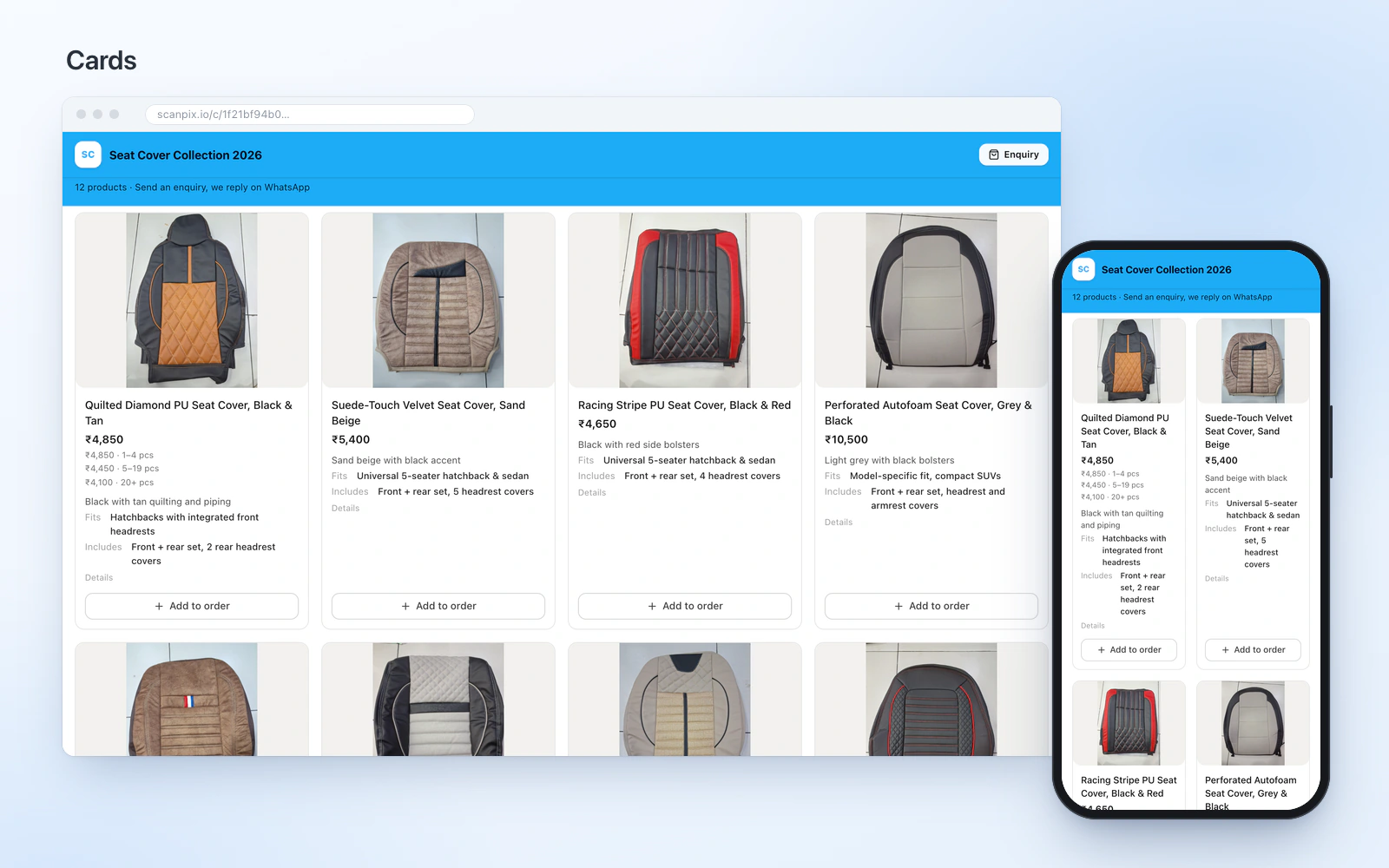
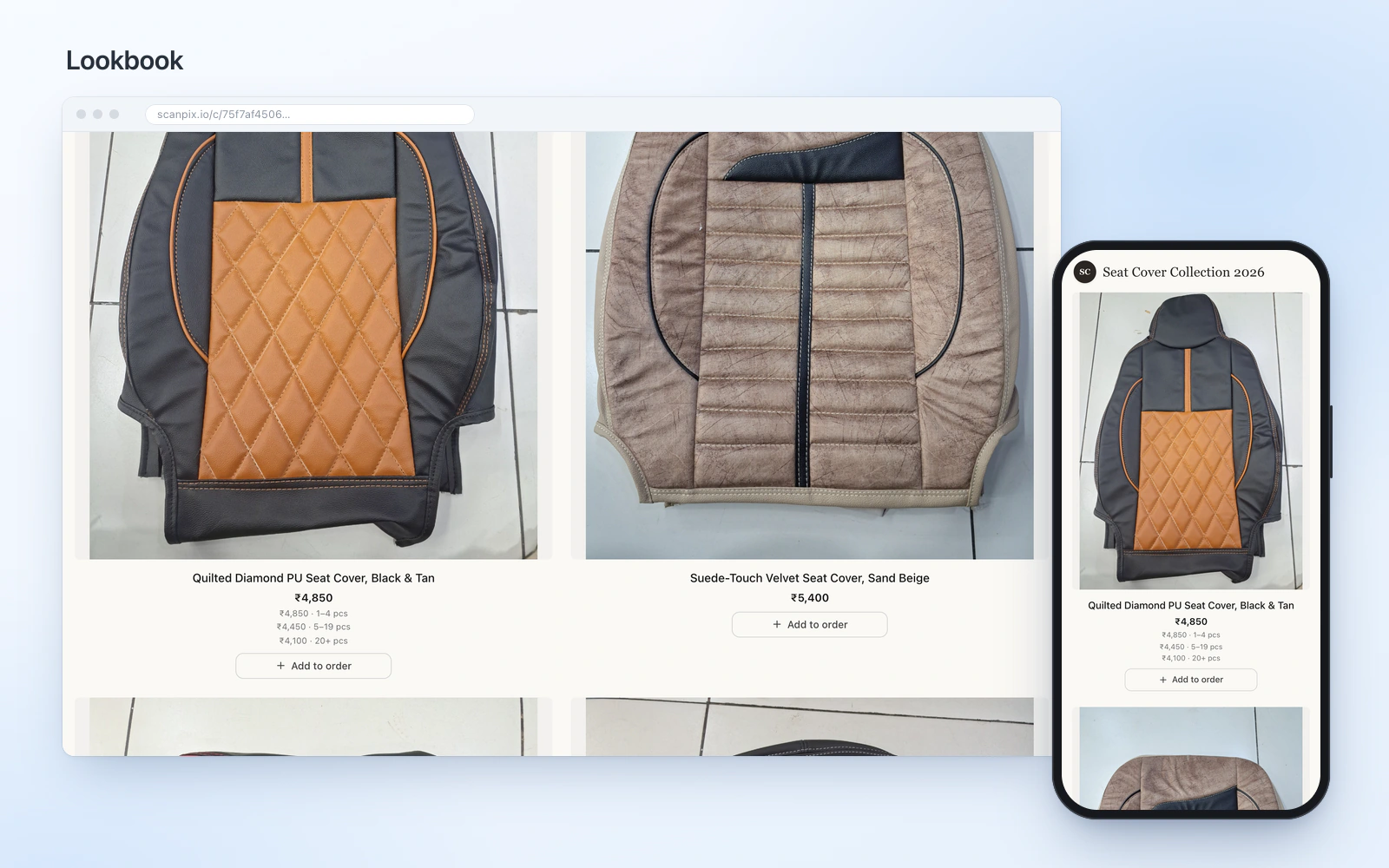
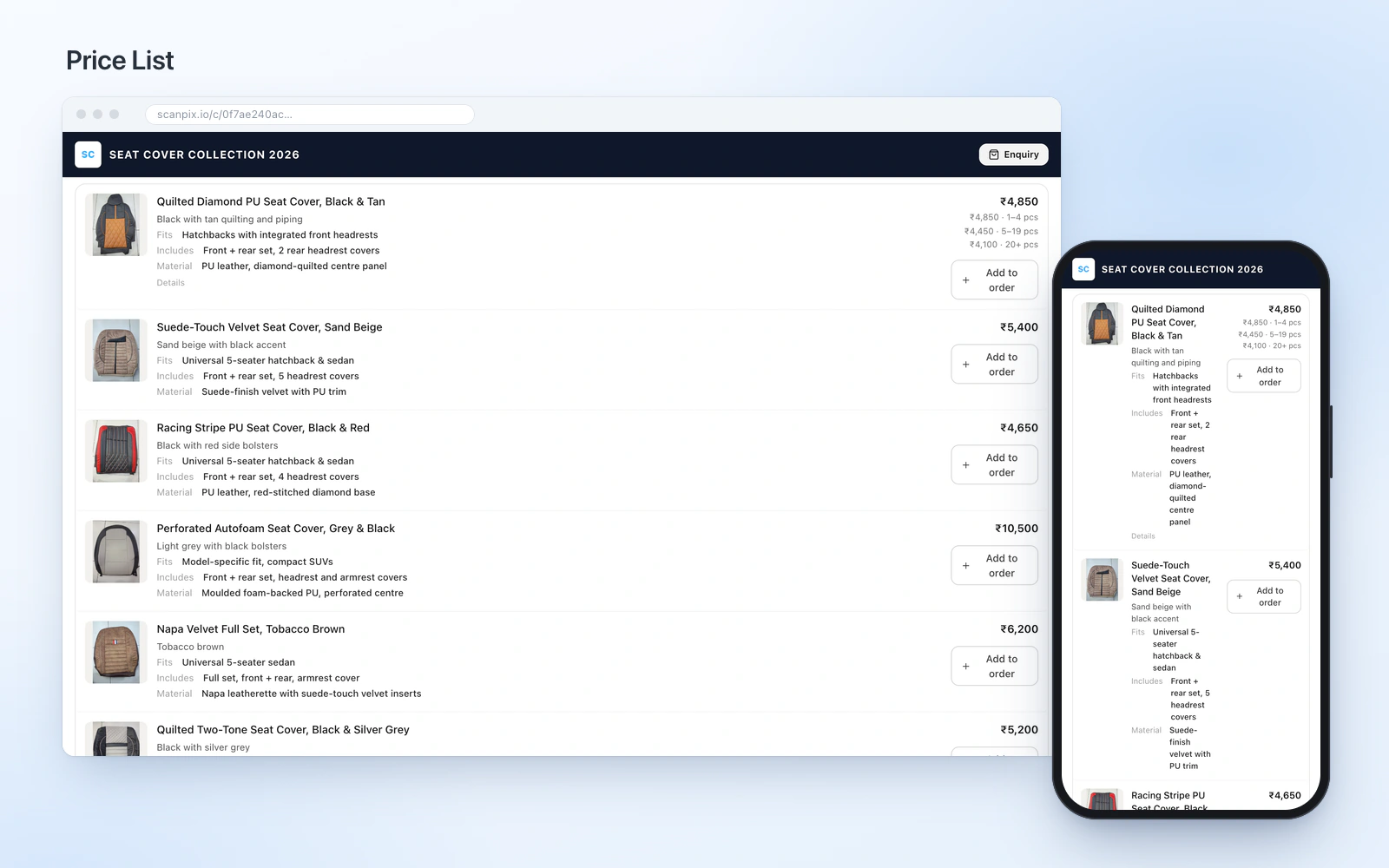
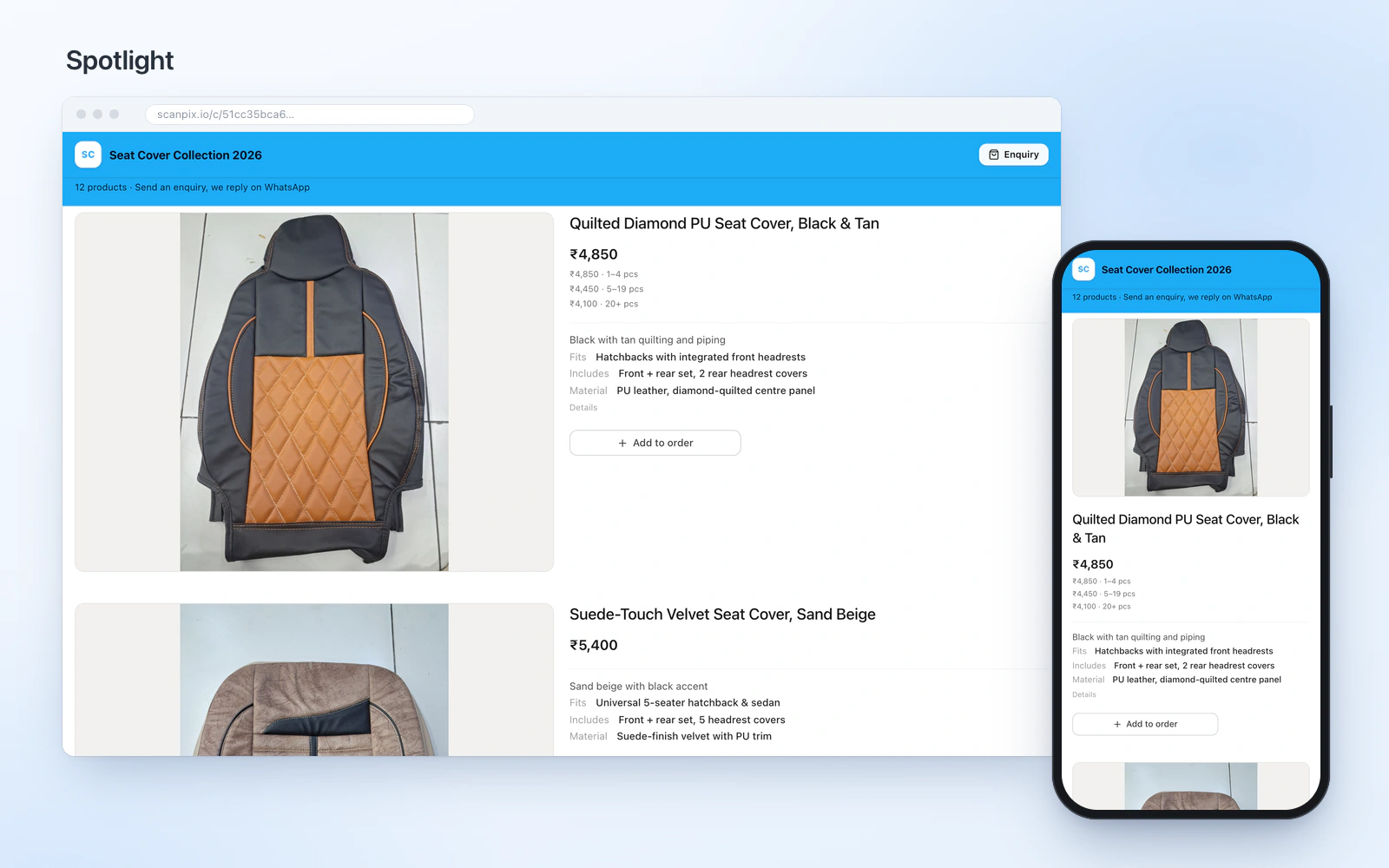
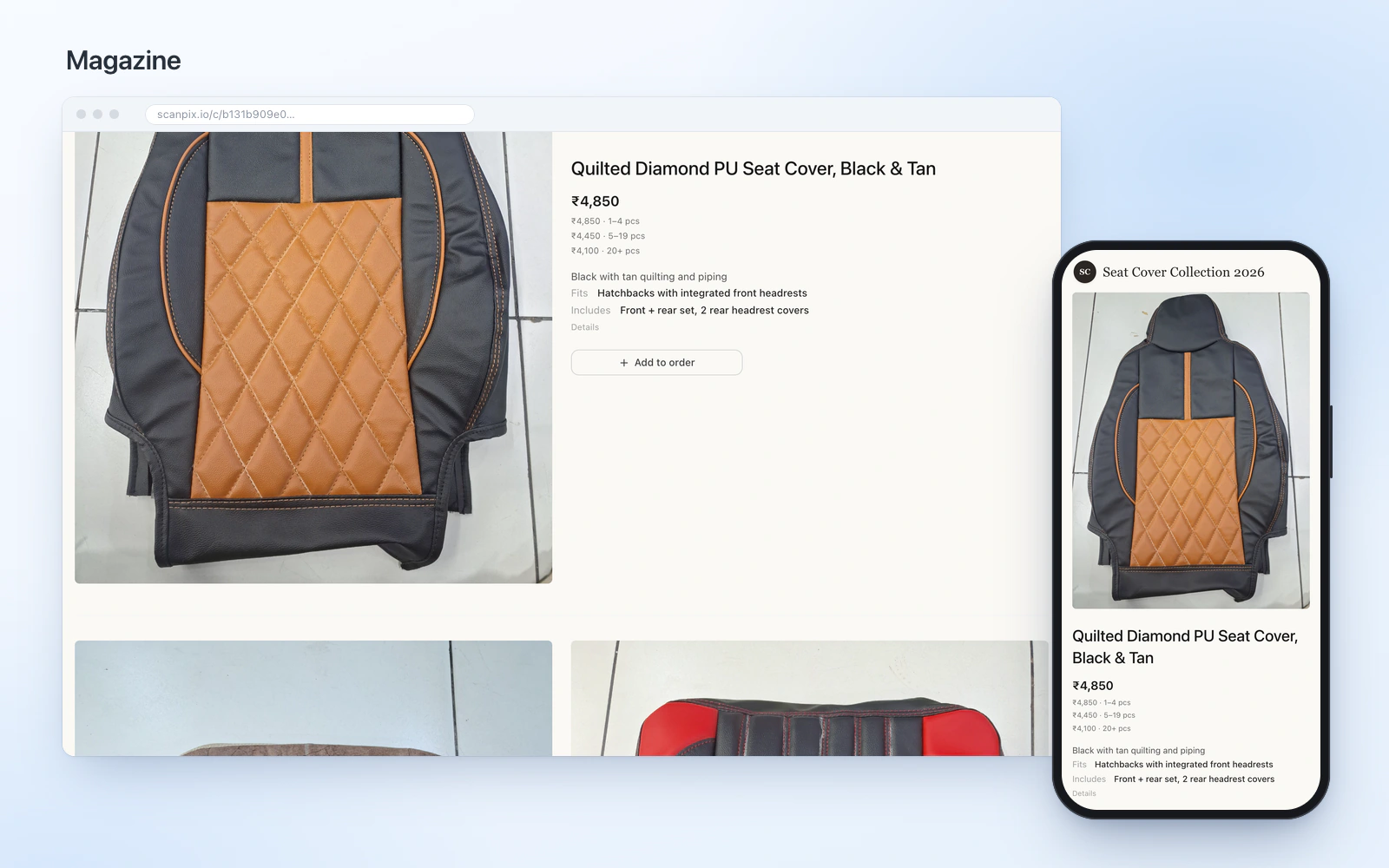
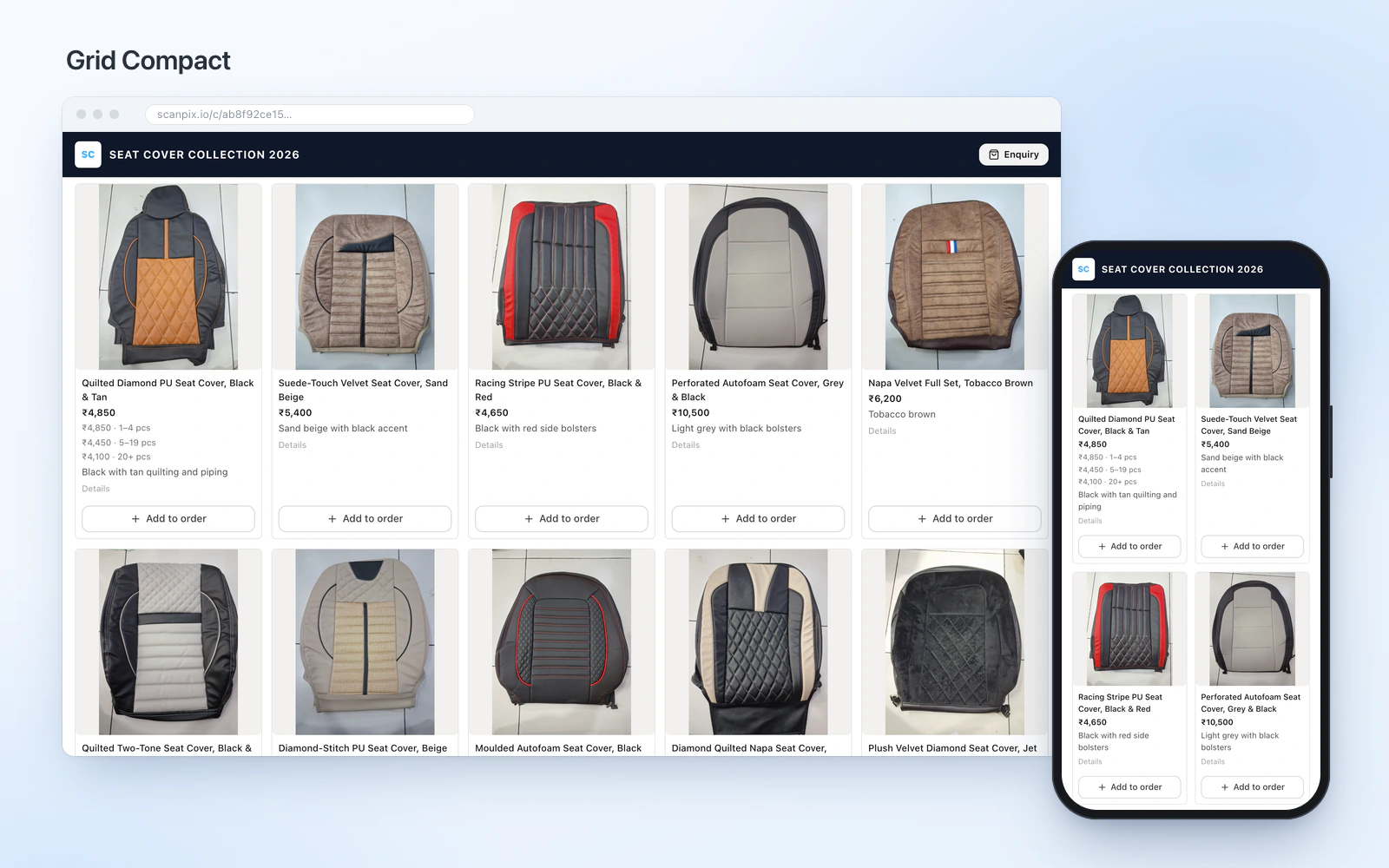
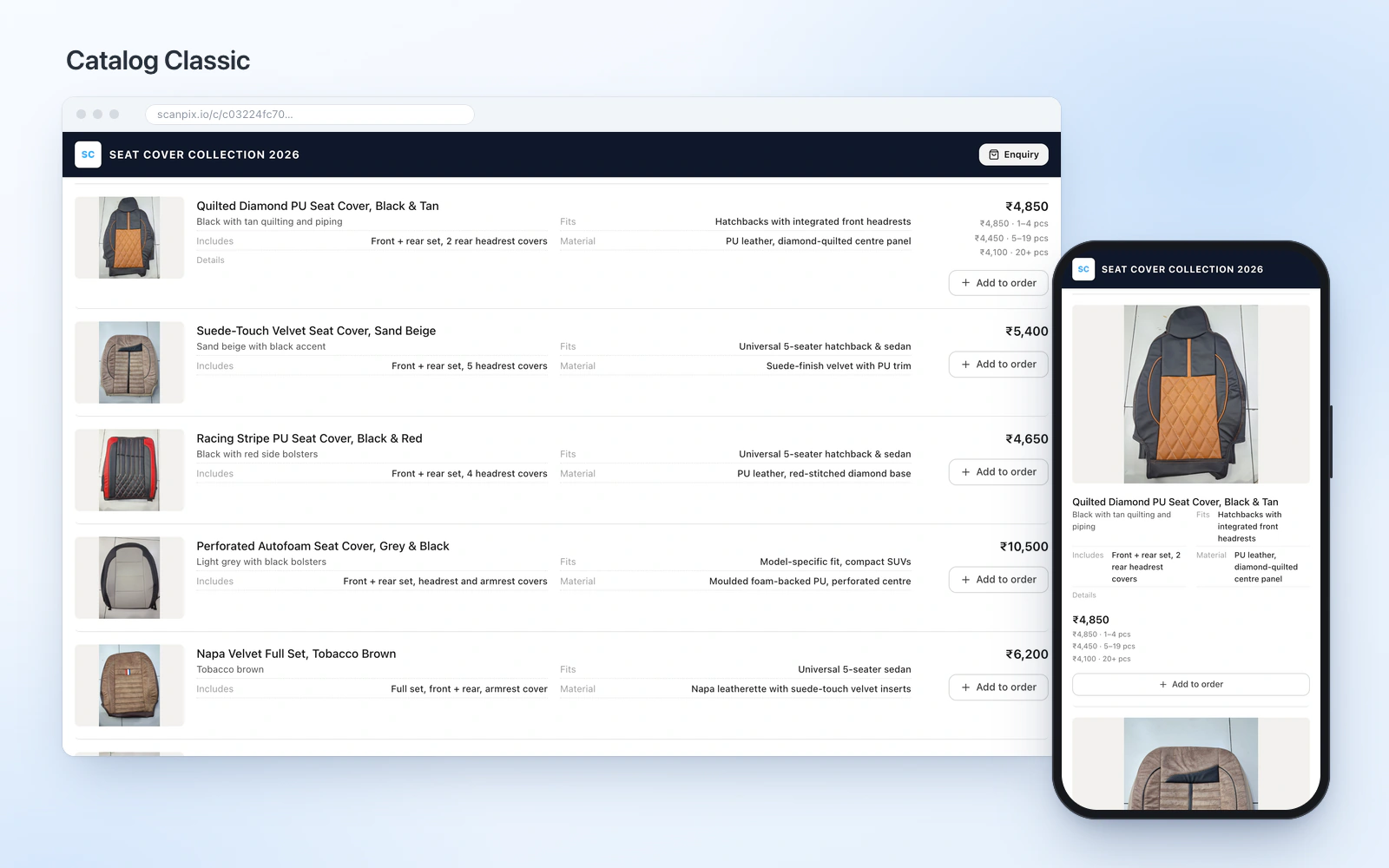
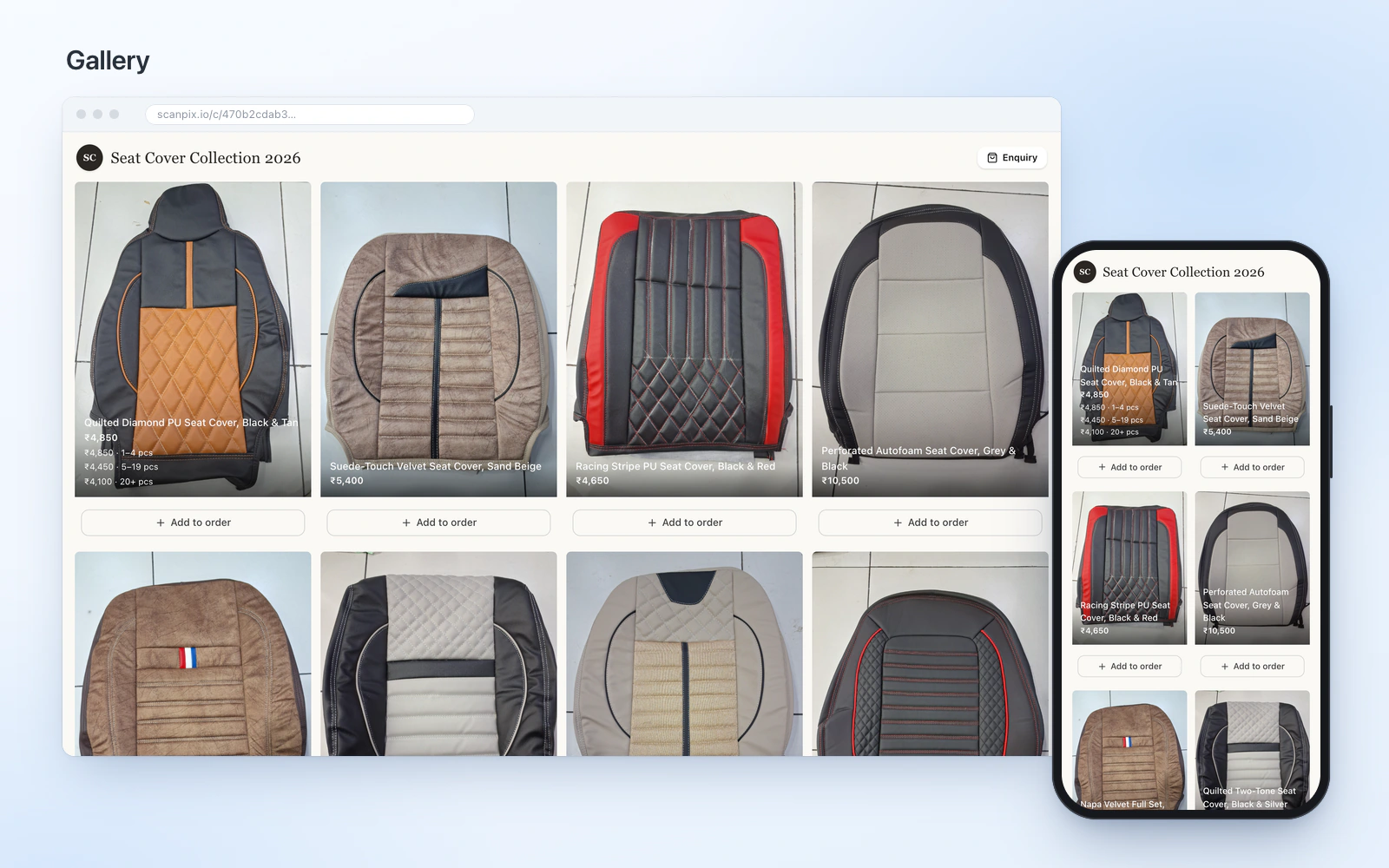
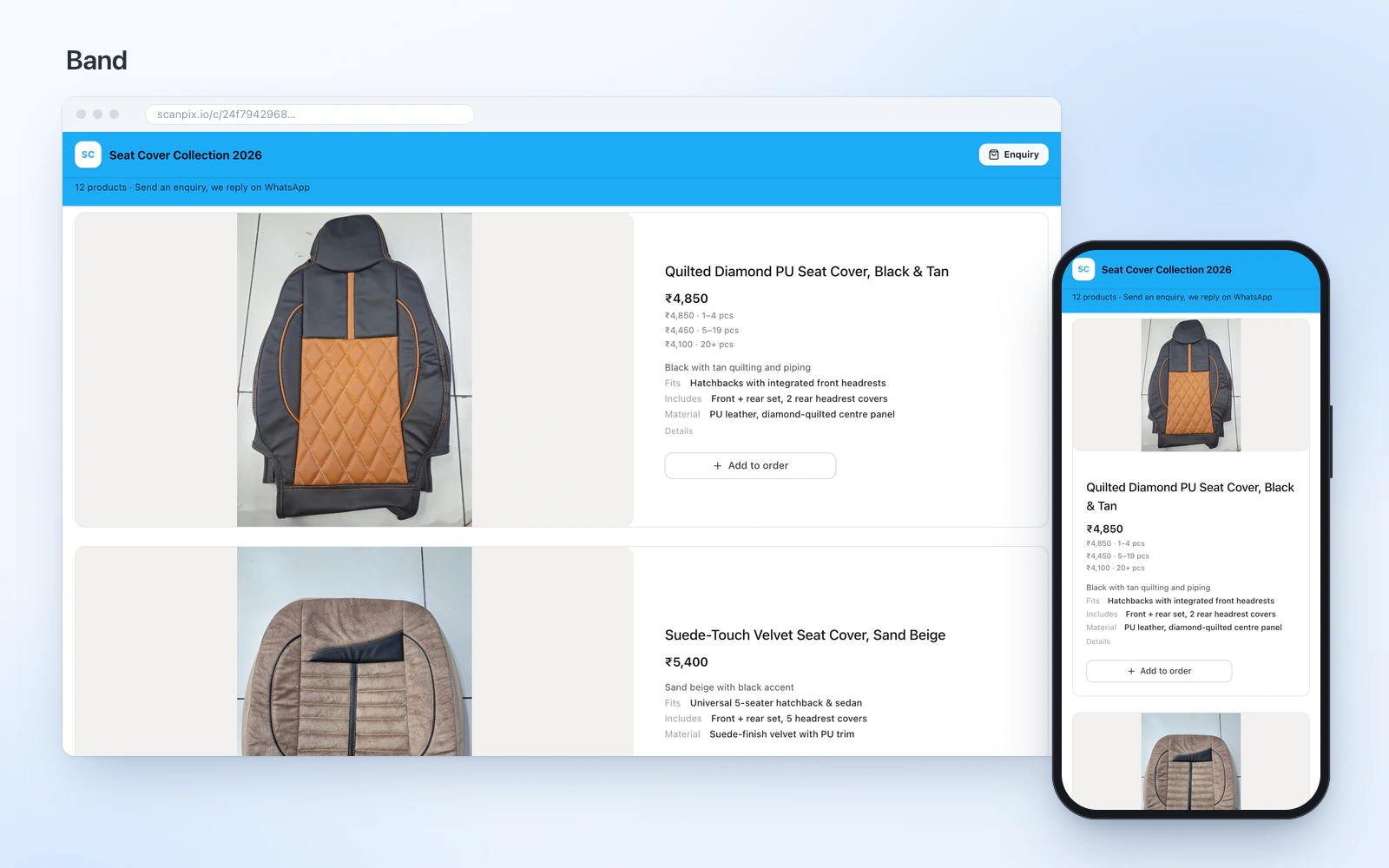
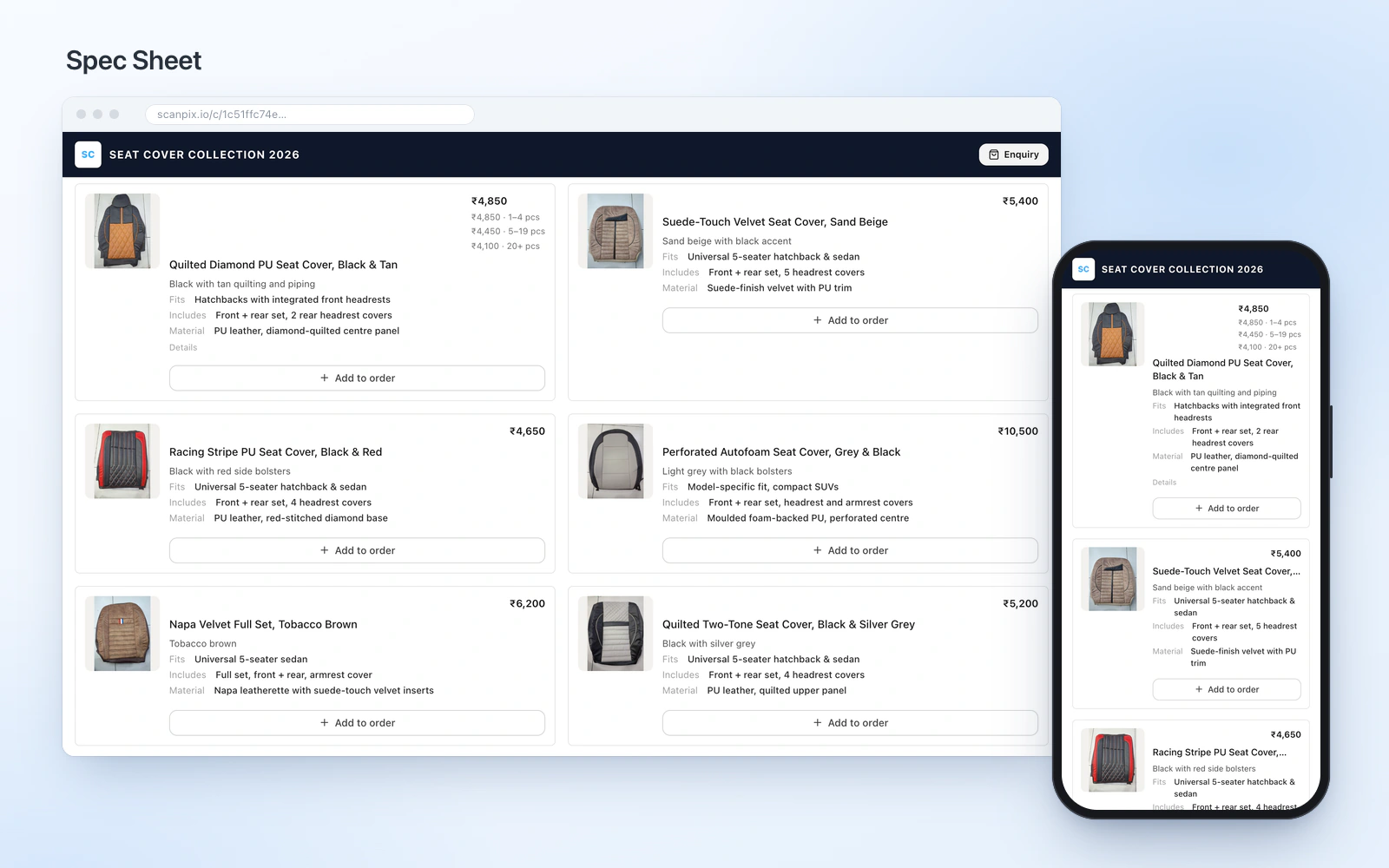
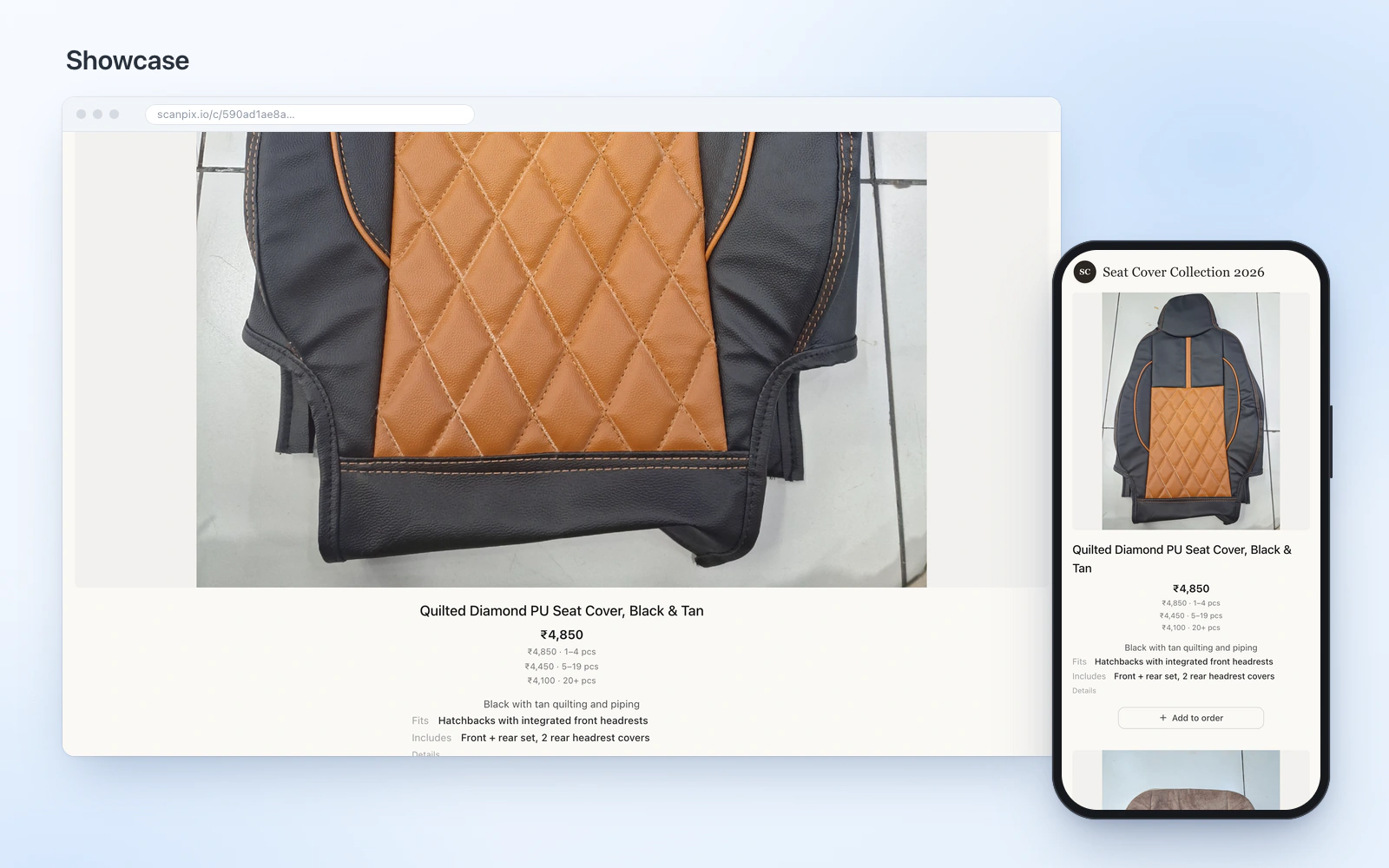
Every demo shows the same sample range of car seat covers, so you can compare layouts like for like. They are real ScanPix catalogue links, exactly as a buyer sees them, including the order button.
Which layout for which trade
- Jewellers and boutiques: Lookbook or Showcase, usually with prices on request. See goldsmiths & jewellers.
- Wholesalers and distributors: Price List for tiered rates, Grid Compact for very large ranges. See wholesale & distribution.
- Textile and garment makers: Spec Sheet, which leads with design number and minimum order when your products carry them. See textiles.
- Manufacturers and parts suppliers: Catalog Classic or Spotlight, where the specification matters. See manufacturers.
- Furniture and decor: Band or Gallery, which give the photo room. See furniture & home decor.
- Auto accessories: Cards or Price List, shared per car model. See auto accessories.
- Launching a new collection: Magazine, which opens on one hero product.
- Not sure: start with Cards. It works for almost any range, and you can switch later without redoing anything.
What every layout includes
- Your logo, brand colours and an optional cover page.
- Prices shown, hidden or on request, set per catalogue. Hidden prices never reach the buyer. Read how price on request works.
- Quantity-tier prices where you use them.
- An optional watermark on product photos.
- A link buyers open in any browser, a QR code, and a print-quality PDF.
- An order button: buyers pick products and quantities and the order arrives in your WhatsApp and your Orders inbox.
Use a template
- Add your products. Photograph them or import existing photos, clean up the backgrounds, and add prices and details.
- Pick a layout. Choose one and preview it with your own products.
- Brand it and set prices. Add your logo and cover, and choose whether prices are shown, hidden or on request.
- Share it. Send the link on WhatsApp, print the QR code, or download the PDF.
Start with catalogues, or read the step-by-step guide to making a product catalogue.
Frequently asked questions
Can I change the template after sharing a catalogue?
Yes. The layout only decides how your products are drawn, so you can switch it at any time and the same products are redrawn. Nothing has to be retyped.
Which catalogue template is best for wholesale?
Price List, for dense rows with quantity-tier prices, or Grid Compact, which fits the most products on a page. Spec Sheet suits B2B ranges that sell by design number and minimum order.
Can I download a catalogue template as a PDF?
You can download your finished catalogue as a print-quality PDF in the layout you chose. The templates are not blank files; they are filled in from your own product data.
Which template should a jeweller use?
Lookbook or Showcase, which give each piece a large image and little text. Most jewellers pair them with prices on request, because the price follows the day’s gold rate.
Do buyers need an app to open a catalogue?
No. Buyers open the link in any phone browser and can order with a name and phone number.
Pick a layout and share your catalogue today
Start free on iOS, Android and the web. No card required.